
FLUX - Photoshop Drawing Template

Details
 Compatible with:
Photoshop CC
 File types:
PSDTASLABRATN
 File size:
427MB
 About:
Choose options
About
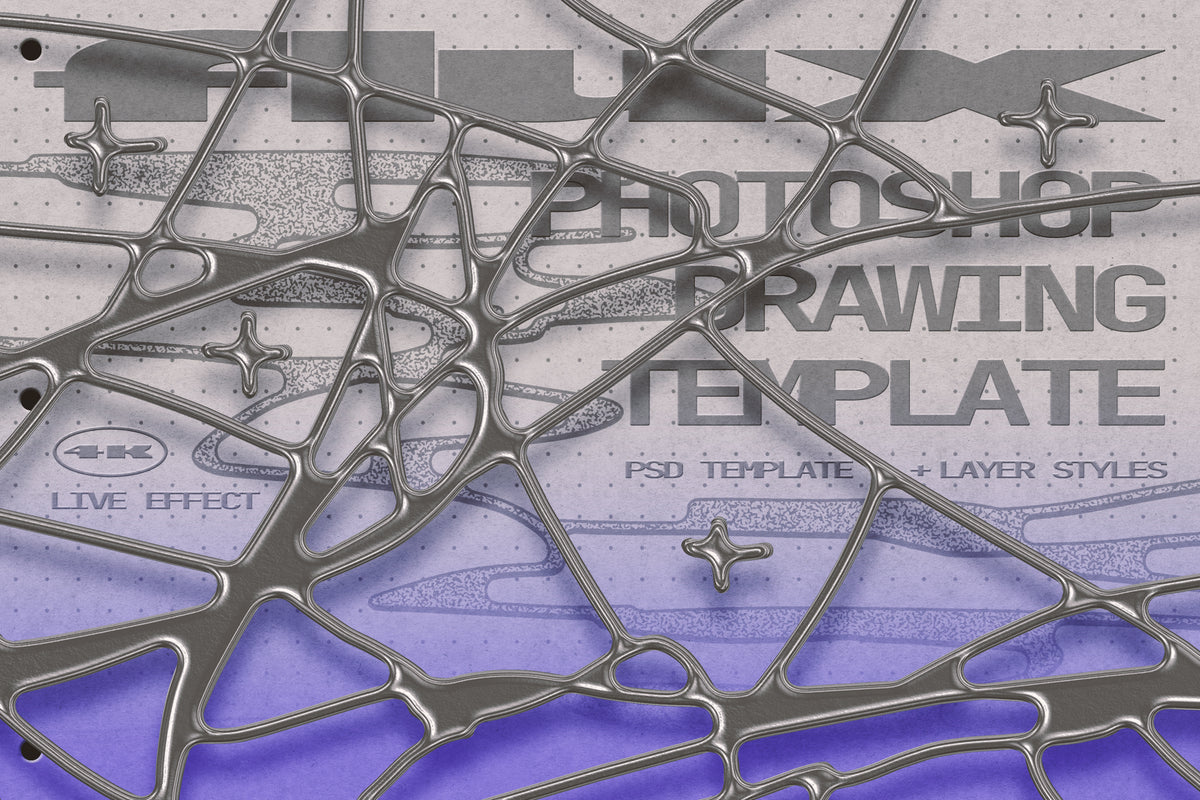
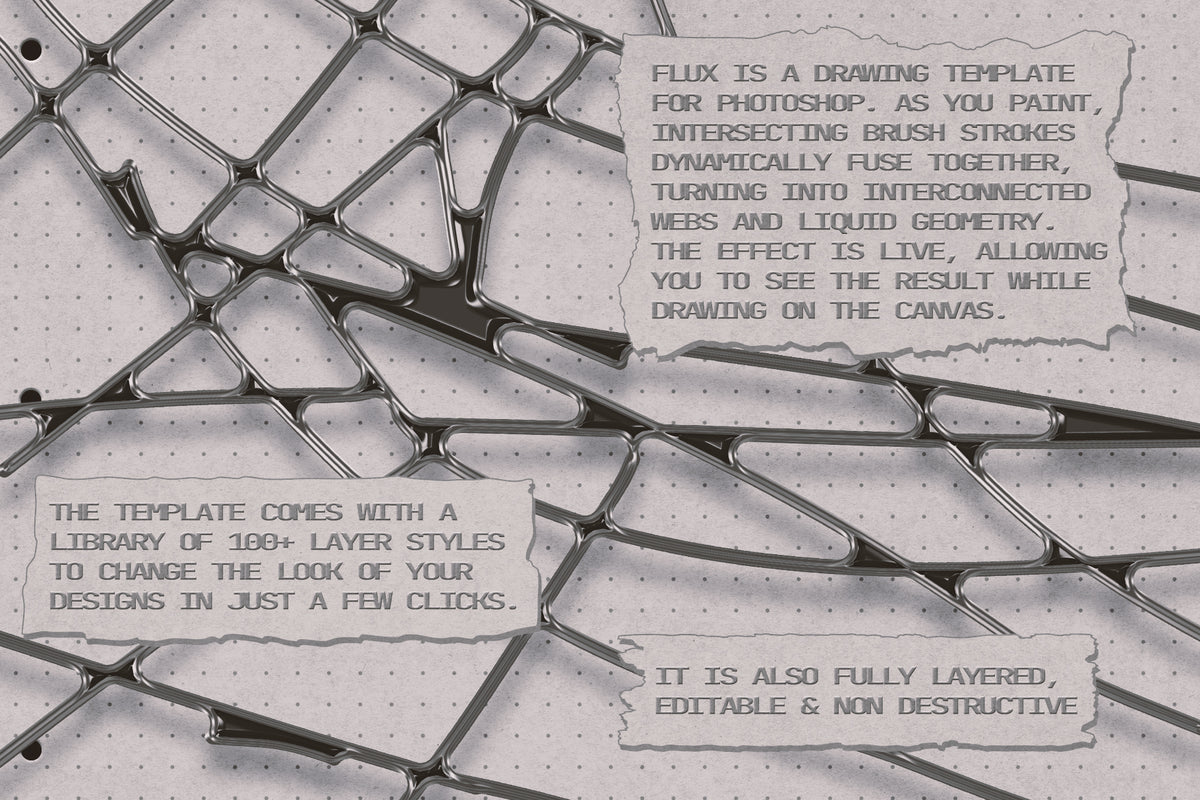
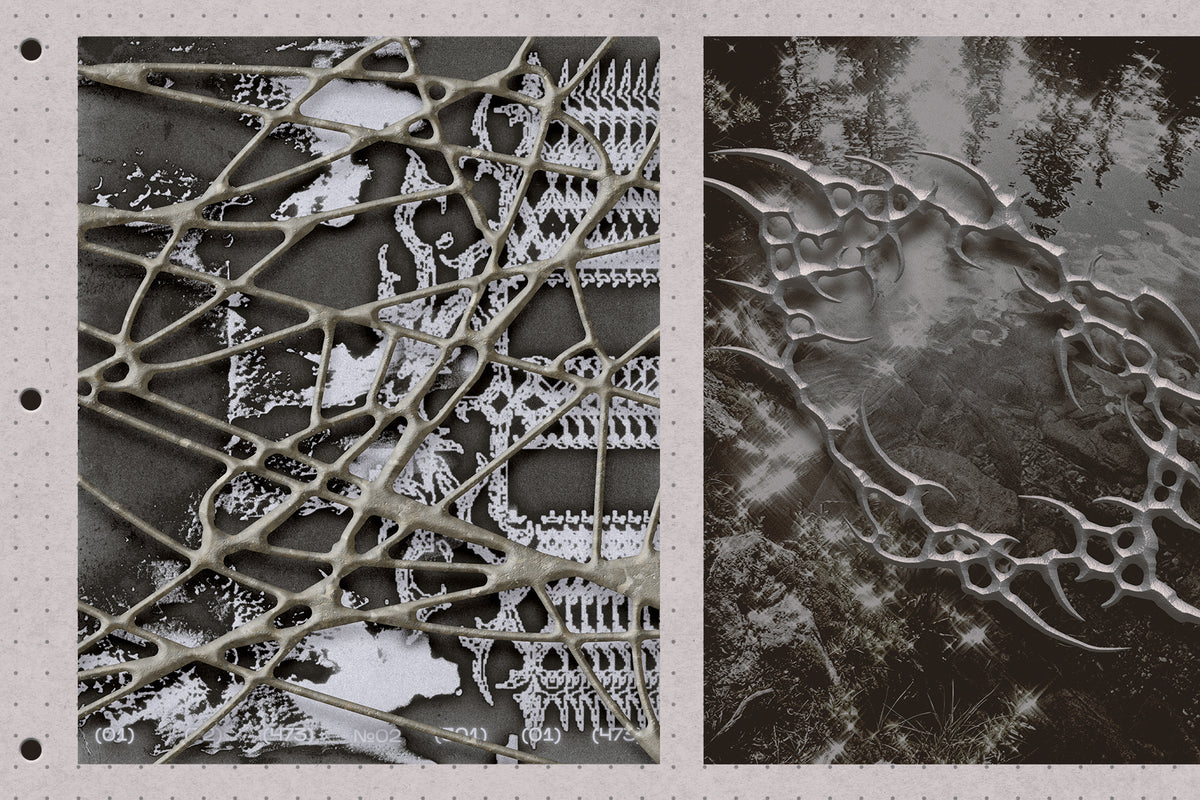
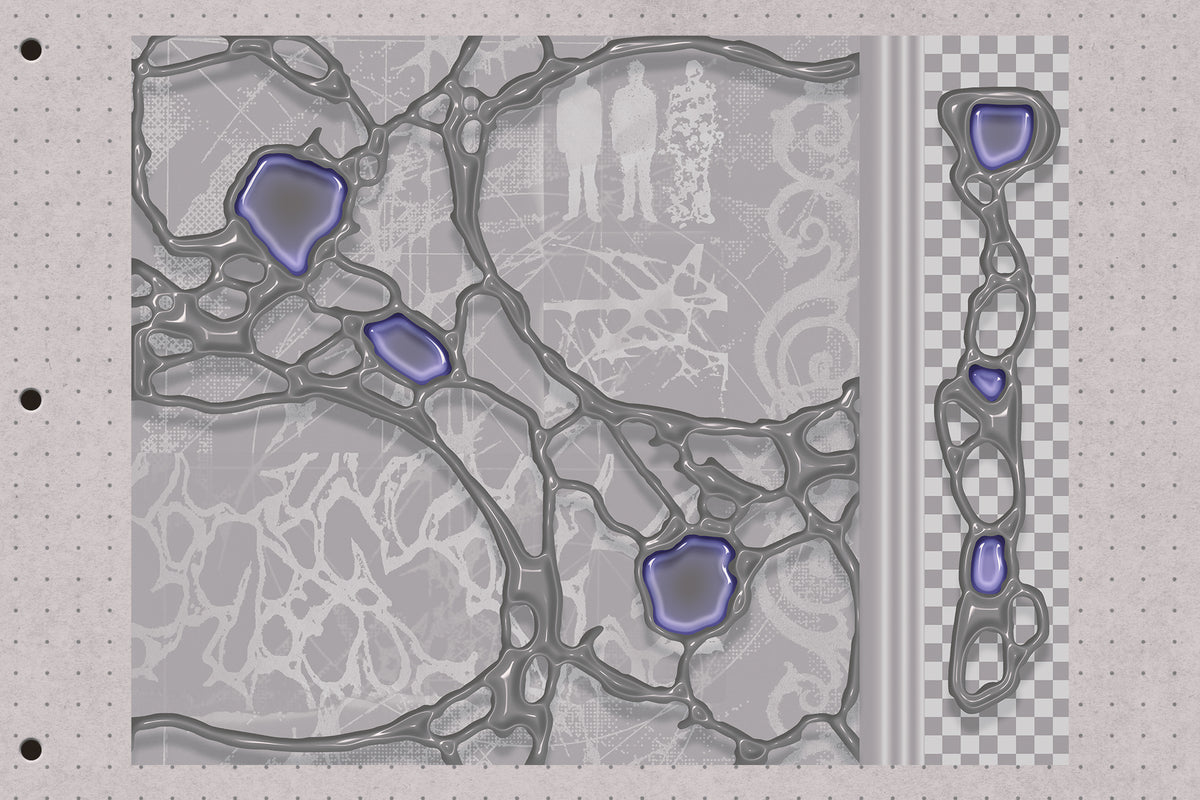
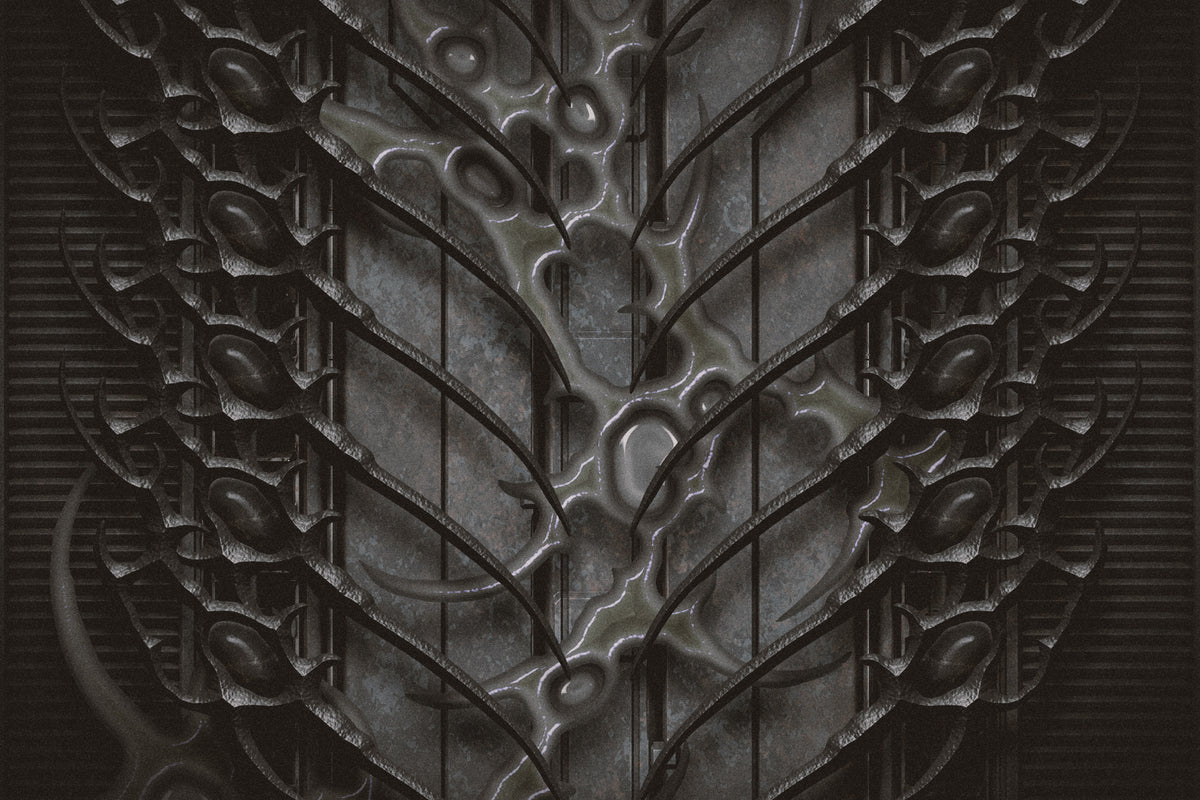
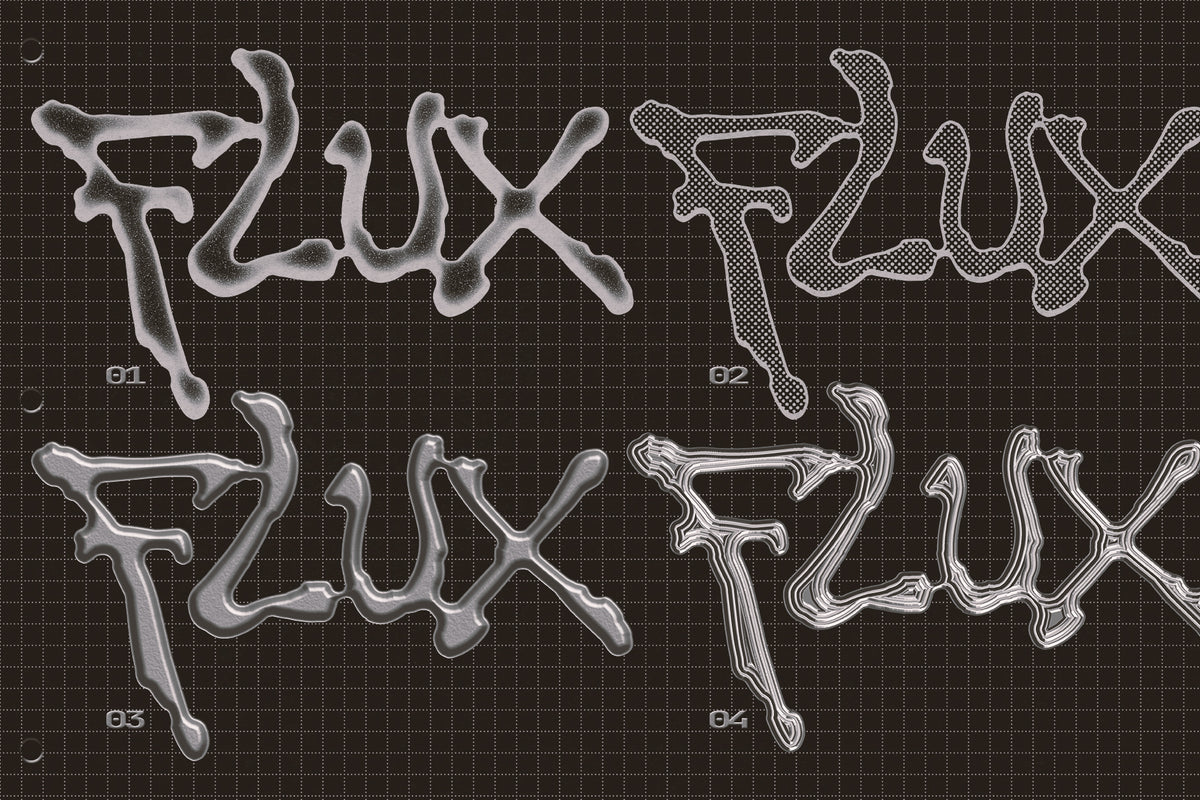
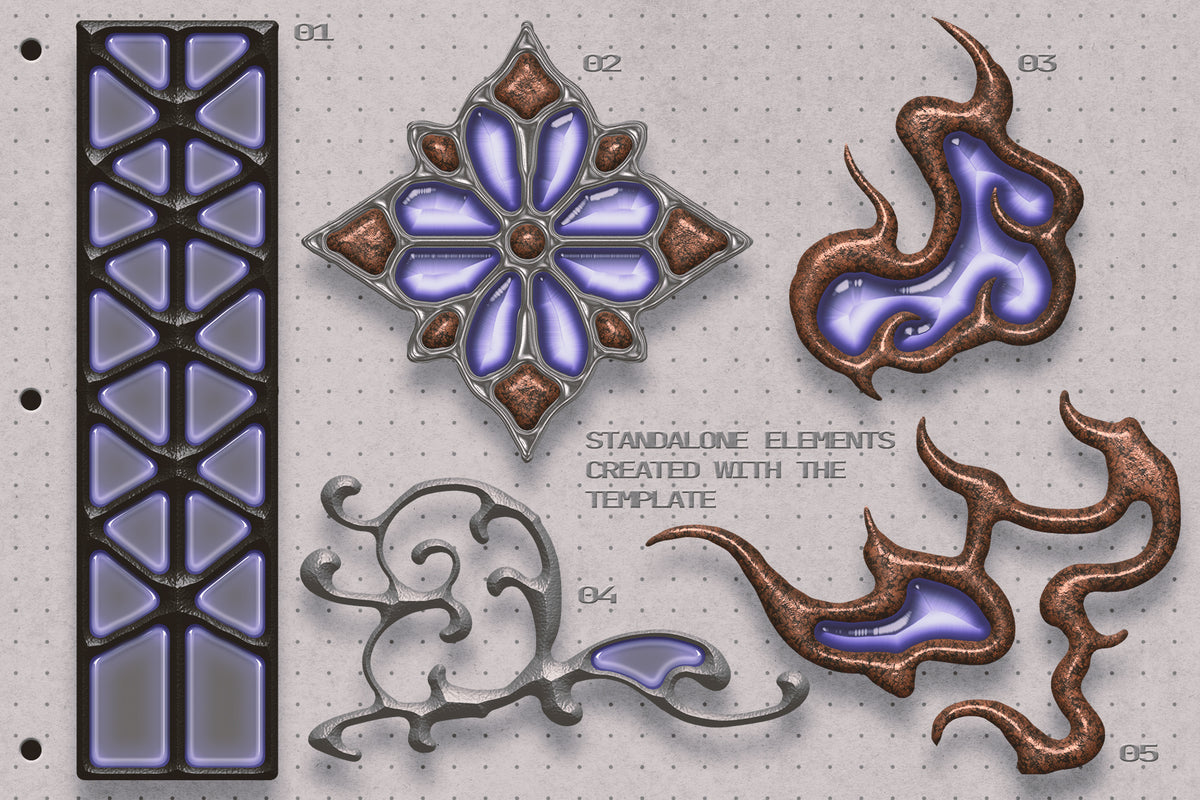
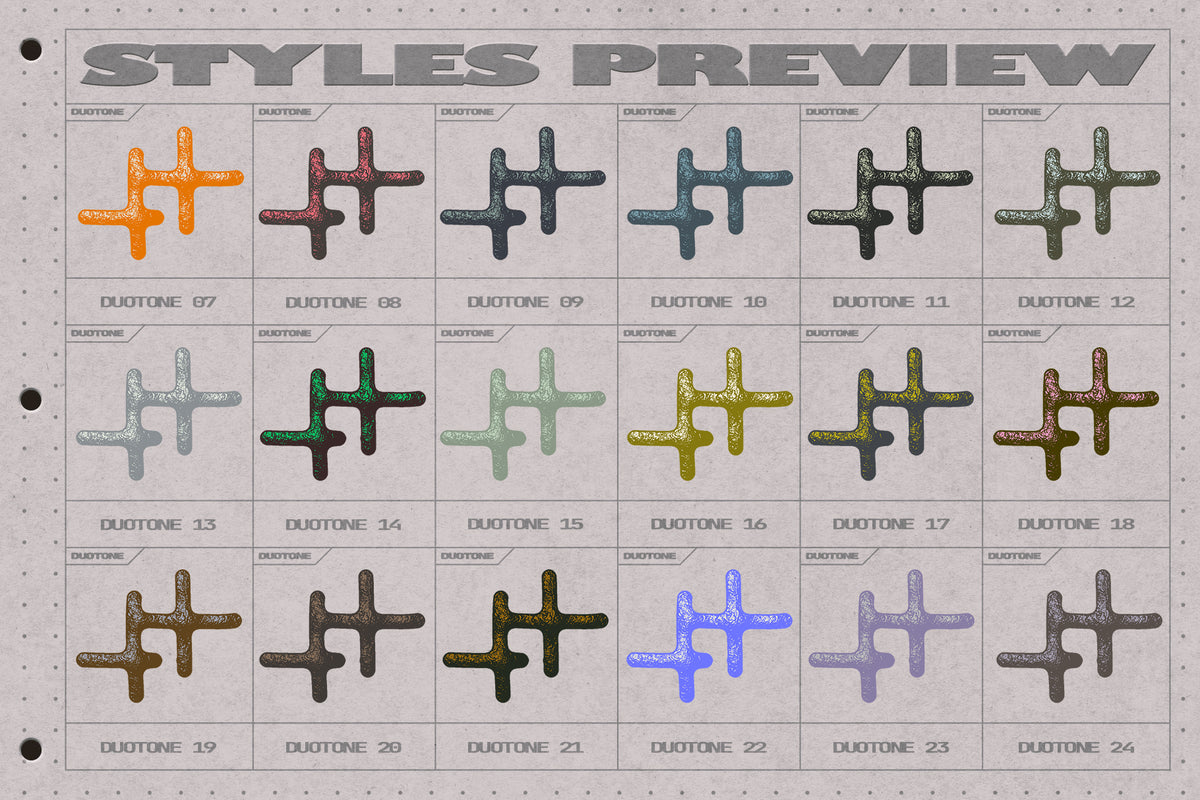
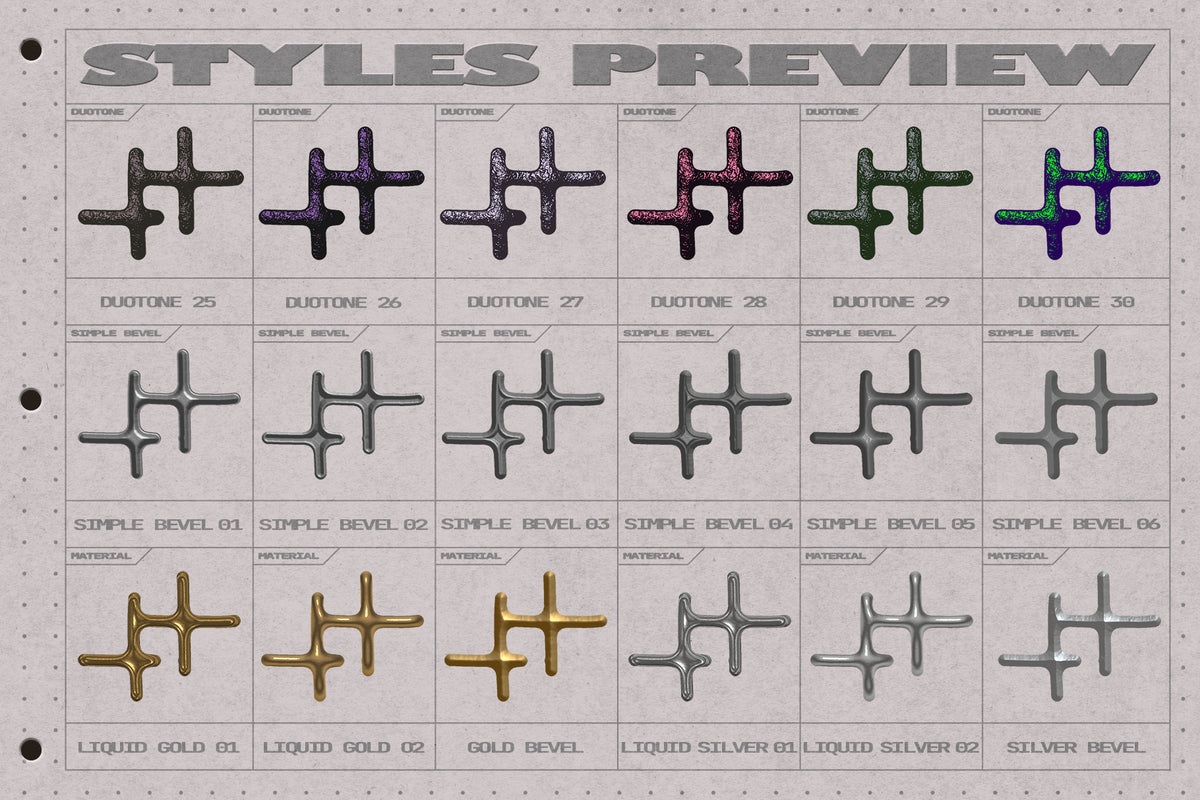
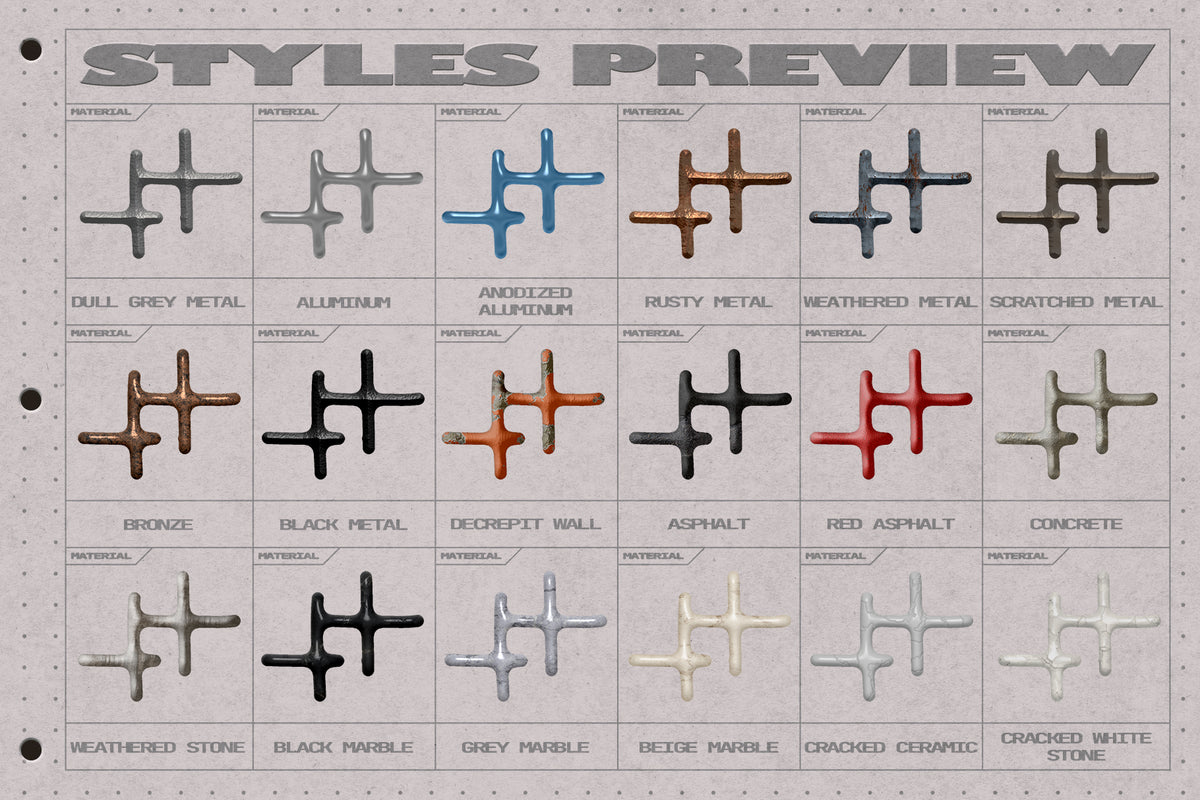
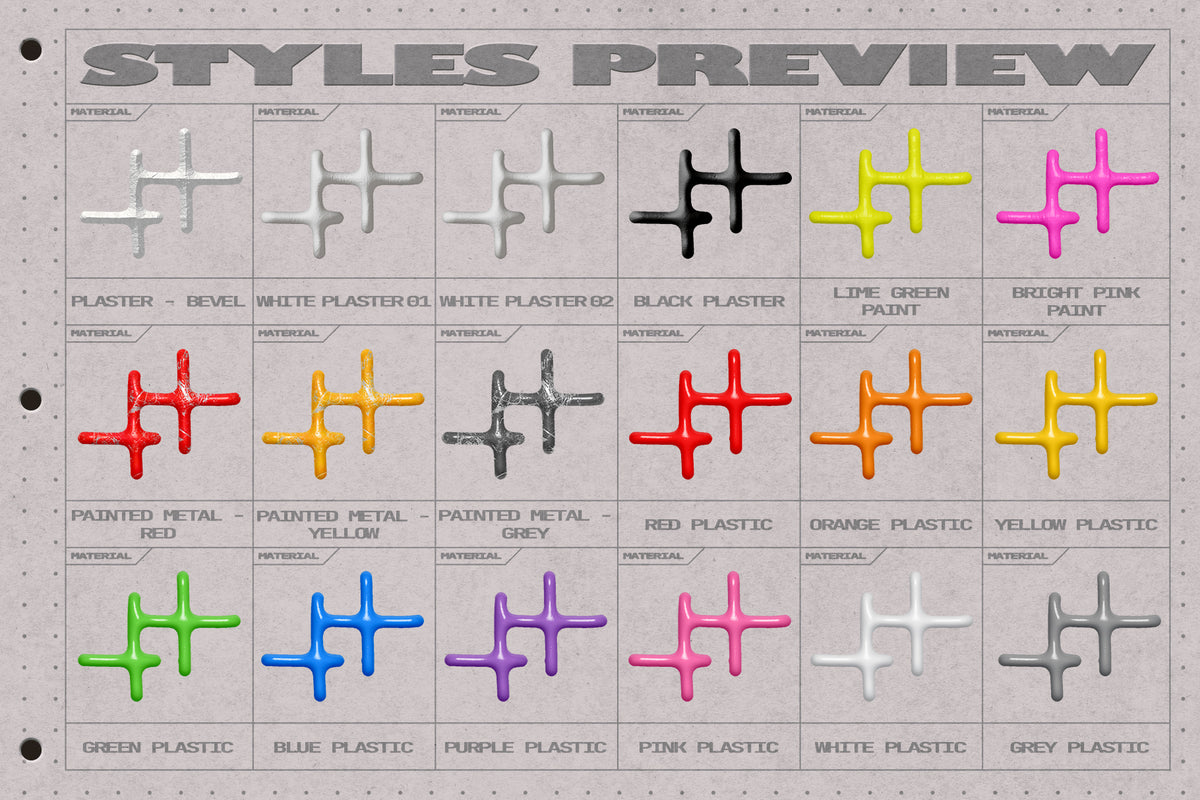
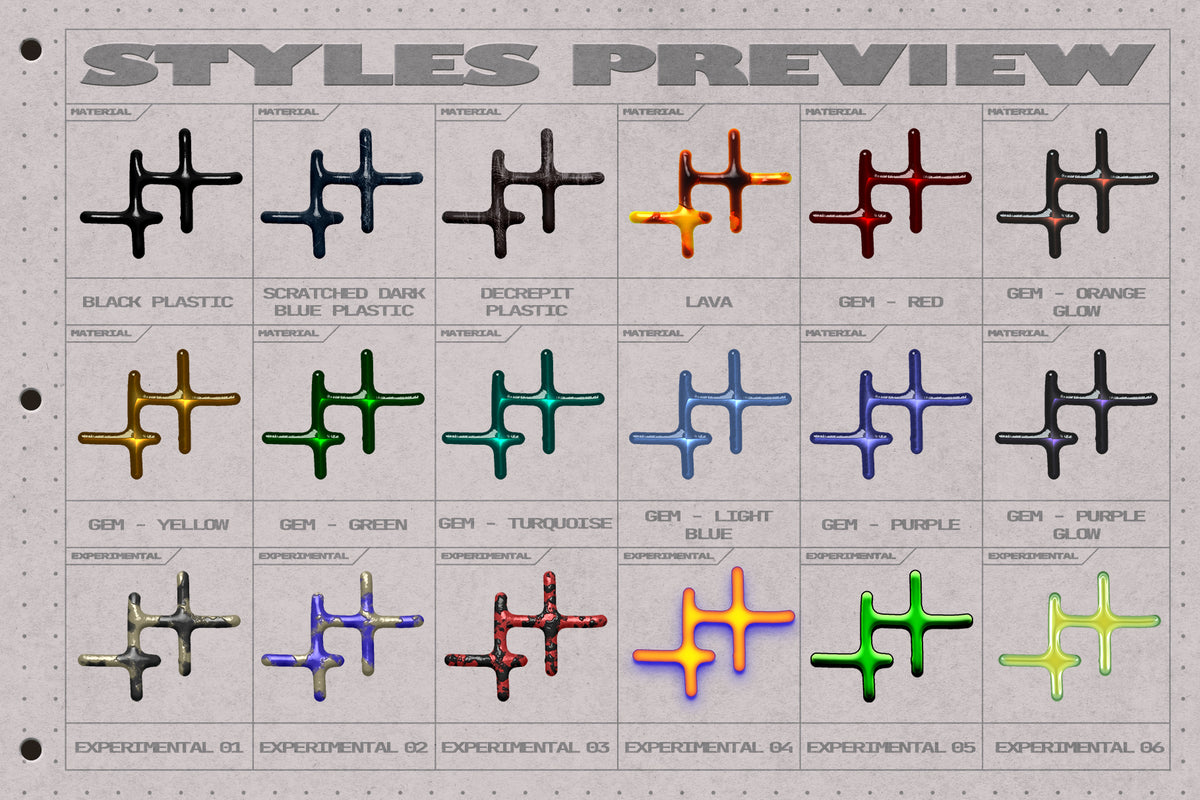
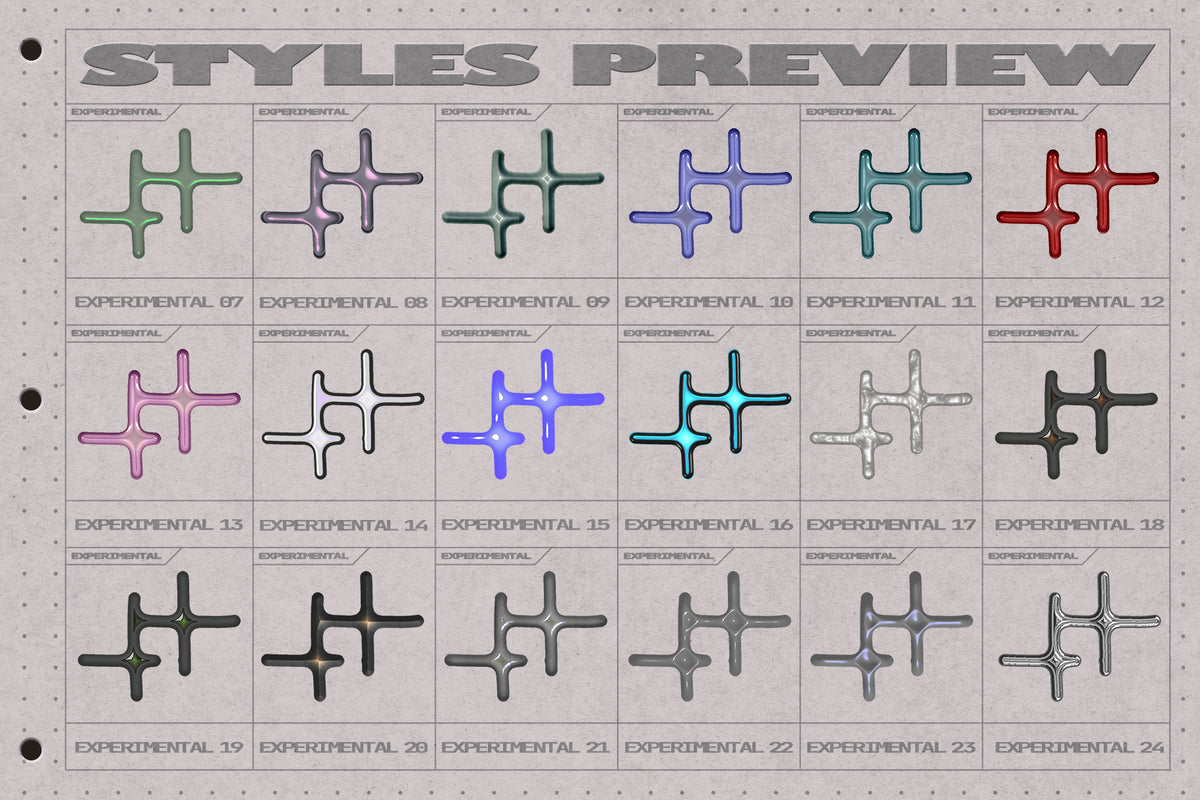
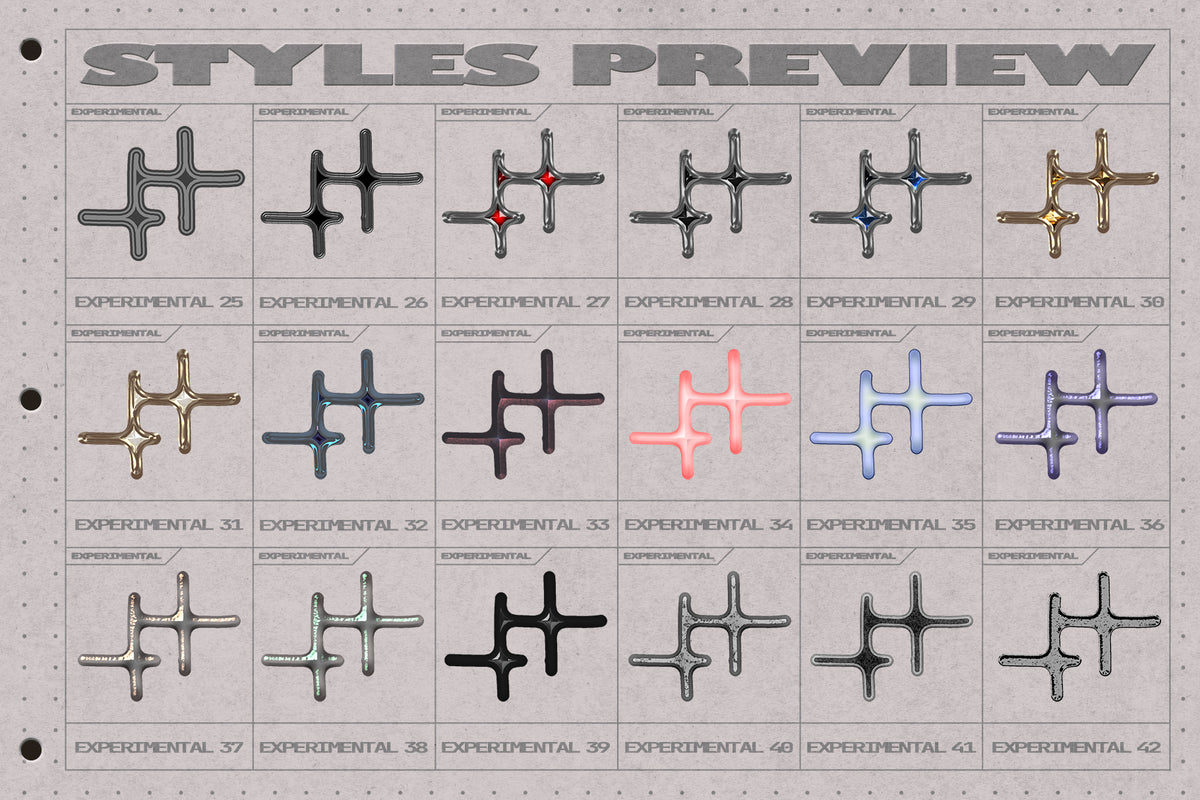
FLUX is an interactive Photoshop template that turns standard brush strokes into fluid shapes, and it's also easy to use: just grab the brush tool and sketch anything on the canvas. As the strokes intersect or reach a certain proximity threshold, the template dynamically bridges them into interconnected structures. You can change the look of your drawing by choosing from a collection of 100+ layer styles, ranging from metal to stone, plastic, and more abstract looks.
Tool contents:
✸ Photoshop template: high resolution layered canvas (4096x4096px/300dpi). Unlike a regular .psd, .psdt creates a fresh copy of the original file every time you open it in Photoshop. Which means that you don't have to worry about messing up some of the default parameters on the template - you can just reopen the same .psdt for each new project.
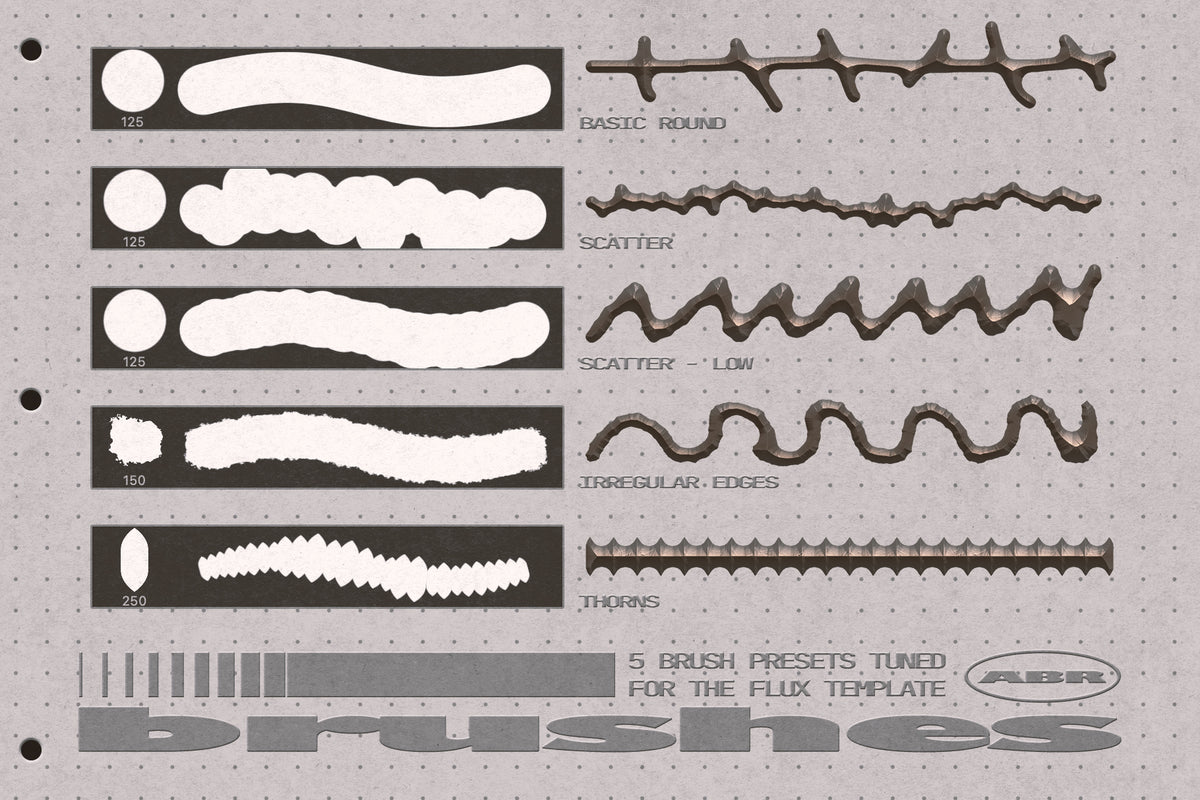
✸ Brush presets: A set of 5 tuned brush presets optimized for the template.
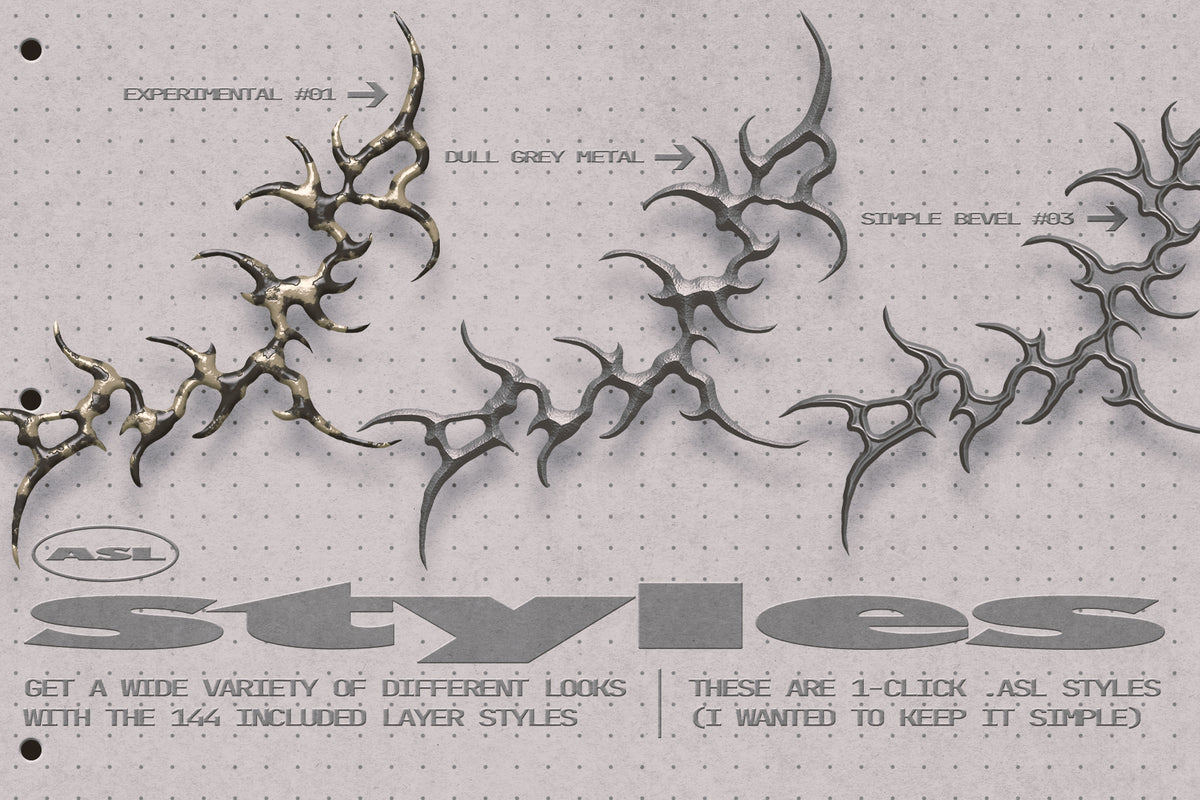
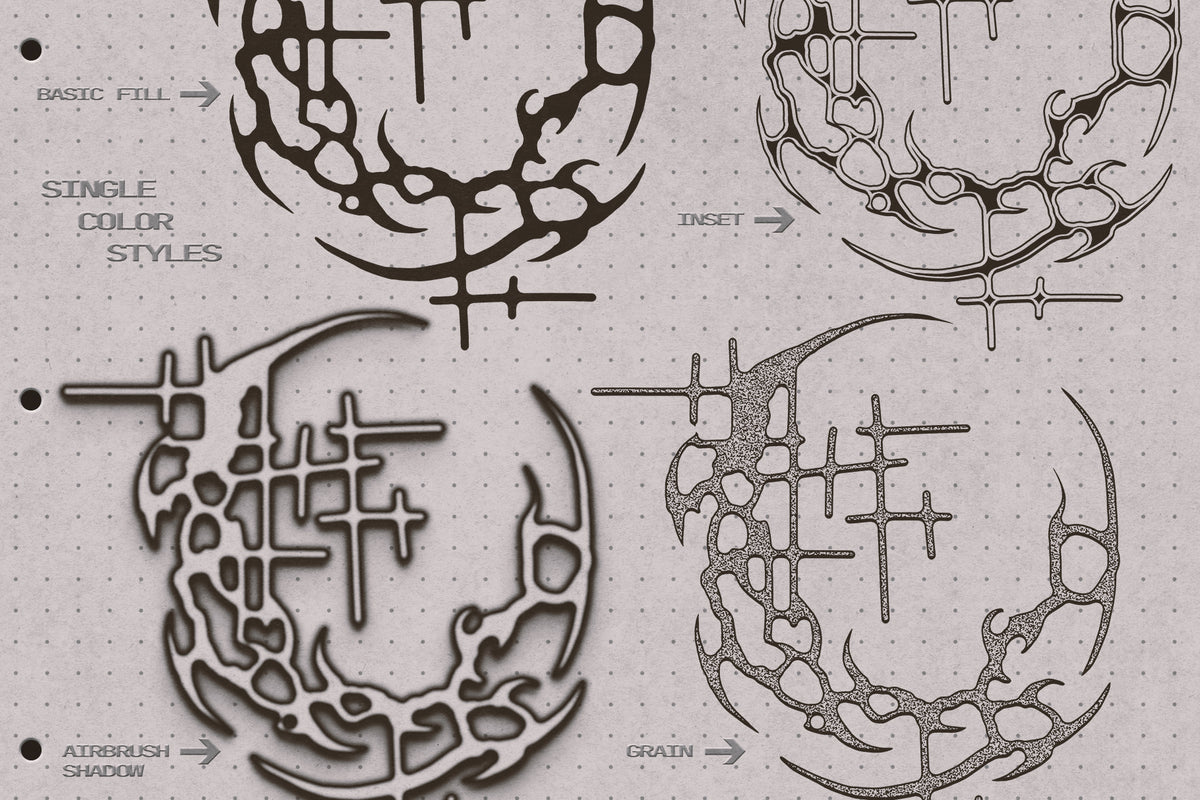
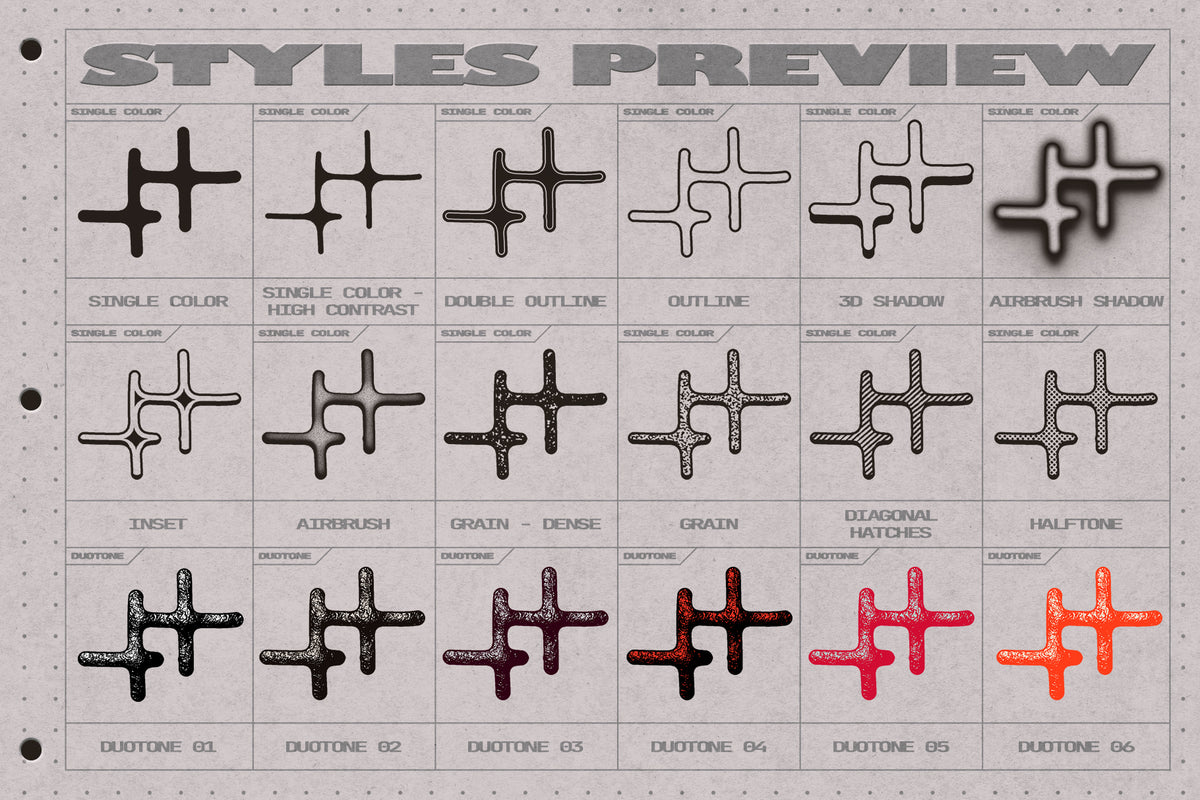
✸ Layer styles: A set of 144 layer styles, in a variety of categories: single color, duotone, simple bevels, materials and ✨𝑒𝓍𝓅𝑒𝓇𝒾𝓂𝑒𝓃𝓉𝒶𝓁✨.
✸ Utility action: A quick action that creates a flattened, isolated copy of your finished design for quick export or compositing.
Q&A
Do I need a tablet, or does it work with a mouse?
Both work. A tablet lets you use pen pressure to taper strokes, but you can create complete designs using just a mouse and the included brushes.
Can I use it on logos, vector shapes or live text?
It was designed for freehand brush drawing rather than premade graphics. Based on the tests I did, it didn't look very convincing when using it on text and other elements, because it tends to melt everything into a shapeless blob pretty quickly, though you're always welcome to experiment with different sources.
Can I use my own Photoshop layer styles?
Yes, any layer style in your library can be applied to your drawings created in the template.
Does it work in Affinity, or other programs?
Nope. It's only compatible with Photoshop.
Ideal for:
Abstract graphic accents and illustrations, poster & cover art, experimental typography, etc.....
What's included
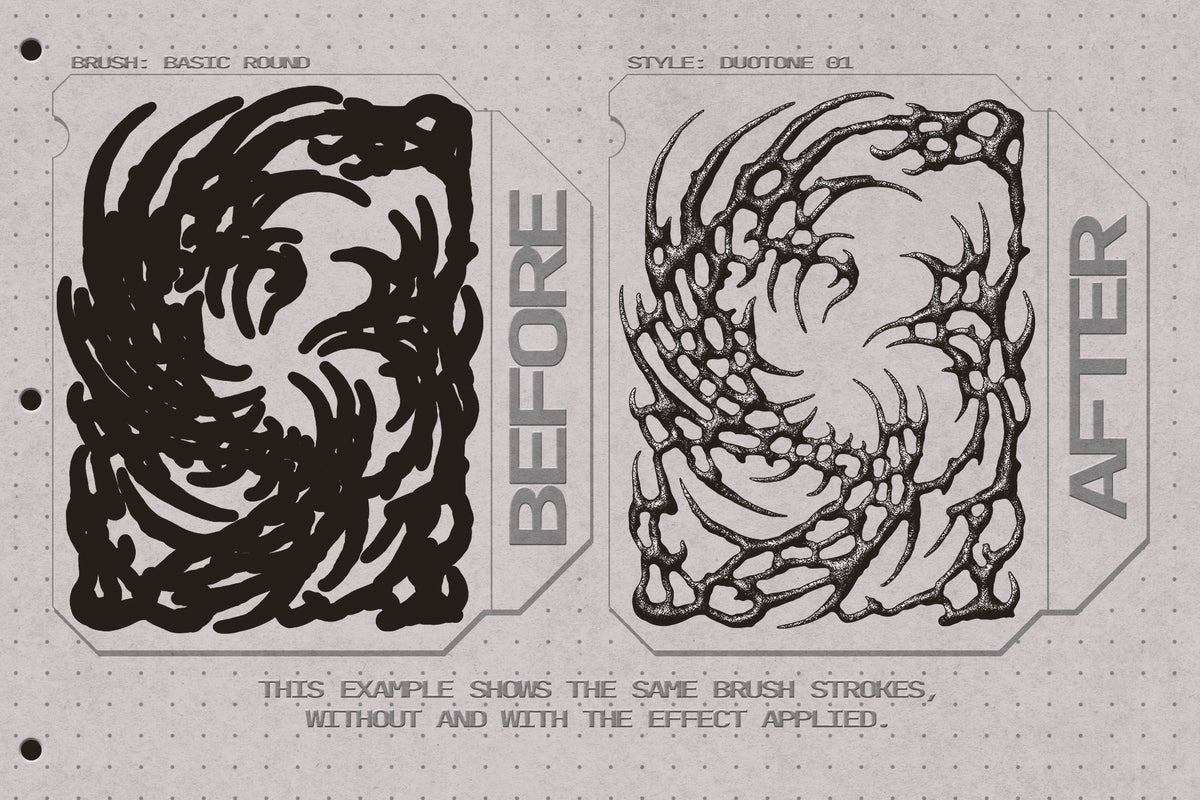
Before/After
Drag the slider to see a before and after comparison.

